
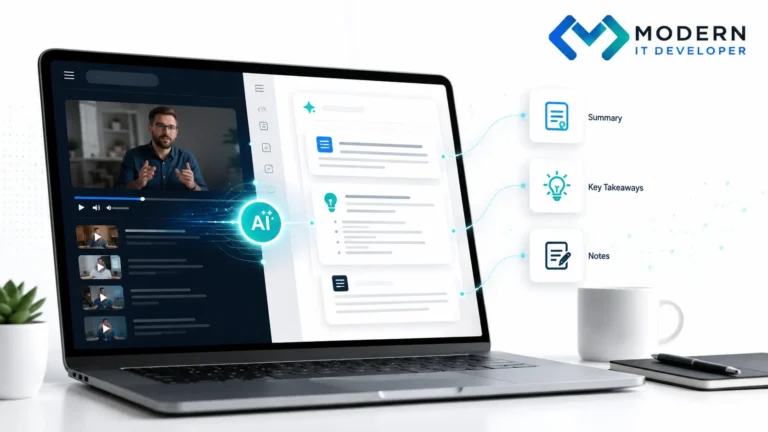
Long YouTube tutorials, interviews, webinars, and educational videos often contain valuable information—but finding the useful parts can take far longer than necessary. Instead of repeatedly pausing a video to take notes, you can convert the content into a transcript and then use an AI assistant to summarize, organize, translate, or analyze it.
A practical workflow combines a YouTube transcript generator with an AI assistant such as ChatGPT. Tools such as NoteGPT can turn a YouTube link into readable text, while AI can transform that transcript into structured notes, action items, explanations, or summaries. The important part is knowing how to use both stages effectively.
Why YouTube Transcripts Make Long Videos Easier to Use
Video works well when you want demonstrations, explanations, and visual context. However, when your goal is research or learning, text is often easier to work with because you can search, scan, copy, compare, and organize it much faster.
For example, a transcript lets you search for a specific term instead of trying to remember when it was mentioned. As a result, a 40-minute video can become a document that you can review in just a few minutes.
When a Transcript-First Workflow Makes the Most Sense
Not every video needs to be converted into text. However, the method becomes especially useful for tutorials, podcasts, webinars, lectures, technical explanations, industry discussions, and long educational videos.
Additionally, it works well when you are comparing several sources. Instead of watching five videos from beginning to end, you can first review their transcripts and decide which ones deserve more attention.
Step 1: Start with a Clear Goal Before Copying the Video
Before copying a YouTube URL, decide what you actually want from the content. This small step makes the rest of the process much more efficient because the AI will have a clearer job to perform later.
For example, you might need a summary, detailed notes, a list of tools, instructions, marketing ideas, or a translation. Defining your goal first helps avoid generating unused information.
Step 2: Convert the YouTube Video into a Transcript
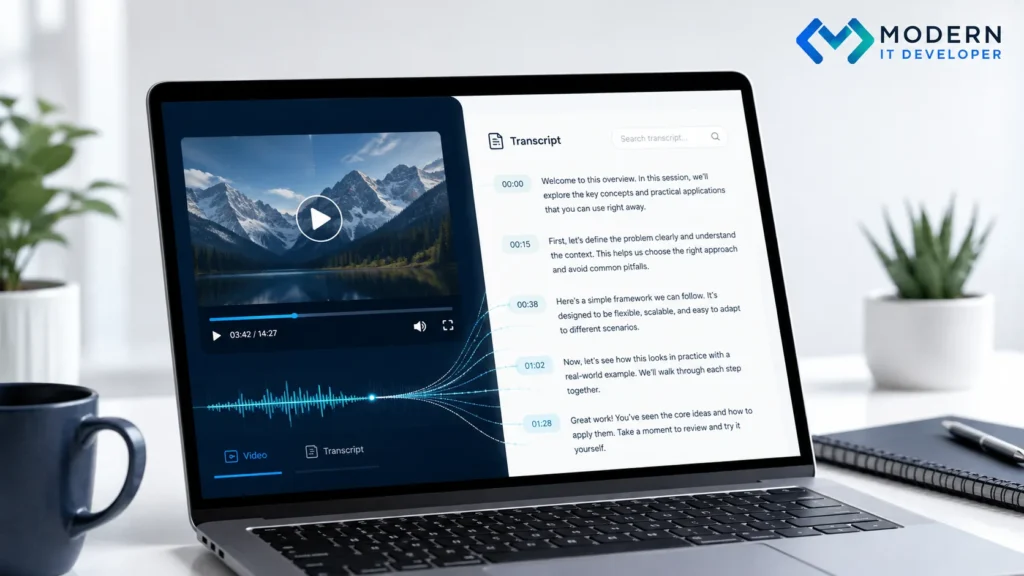
Once you know what you need, copy the video URL and generate a transcript. YouTube provides transcript functionality for many videos with captions, while dedicated tools such as NoteGPT can also make the text easier to copy and process.
In practice, the purpose is simple: turn spoken information into structured text. After that, the content becomes far easier to search, summarize, translate, and analyze with AI.
Step 3: Review the Transcript Before Giving It to AI
Although automated transcription is useful, it is not always perfect. Names, technical terms, product names, accents, URLs, and numbers can sometimes be misunderstood.
Therefore, quickly scan the transcript before using it. You do not need to correct every sentence, but important terms should be accurate because transcription errors can easily become errors in the final AI-generated summary.
Step 4: Give ChatGPT a Specific Job
Once the transcript is ready, paste it into ChatGPT or another AI assistant. However, avoid stopping at a vague instruction such as “summarize this.”
Instead, explain what you want the AI to do with the information. For example, you can ask it to identify the five most useful ideas, create a checklist, simplify technical concepts, separate facts from opinions, or organize the content into structured notes.
Use Better Prompts for Tutorials and Educational Videos
If the source is a tutorial, ask the AI to focus on execution rather than simply shortening the text. A useful prompt could be: “Turn this transcript into clear step-by-step instructions and include important warnings and common mistakes.”
Similarly, for educational content, you might ask the AI to create definitions, examples, key concepts, and review questions. Consequently, the transcript becomes a learning resource rather than just a shorter version of the original material.
Use Different Prompts for Research and Business Content
Research-focused content needs a different approach. For example, you could ask: “Extract the main claims, group them by topic, and identify which points should be independently verified.”
For business content, meanwhile, you can ask AI to separate quick wins, long-term strategies, required tools, risks, and limitations. This makes the output much easier to apply in real business decisions.
Use AI Summaries to Research Multiple Videos Faster
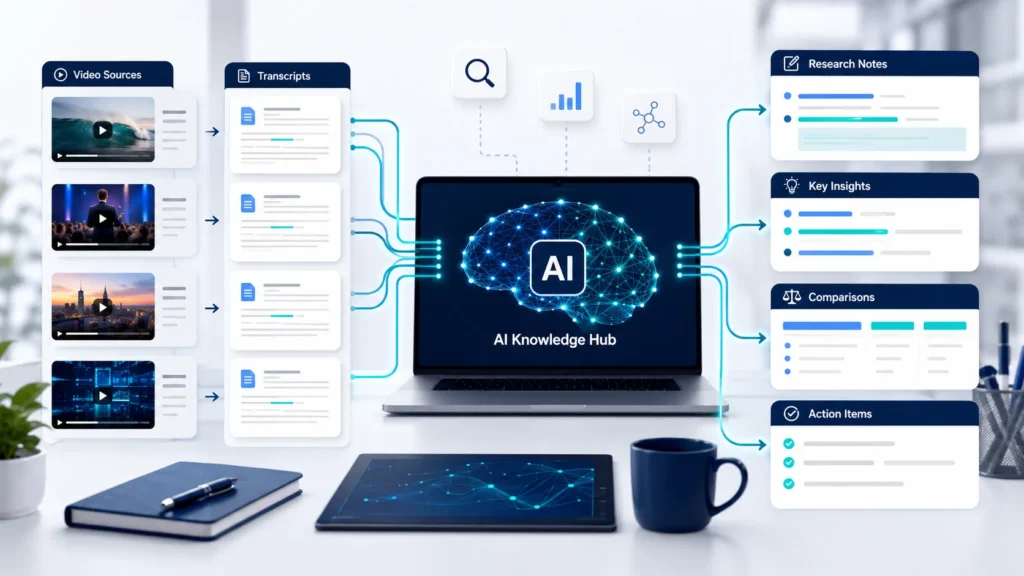
The biggest advantage of this workflow appears when you have several videos about the same subject. Instead of processing each source separately in your head, you can turn all of them into structured text.
Then, AI can help you compare recurring ideas, disagreements, recommendations, tools, examples, and unanswered questions. As a result, video research becomes much more similar to working with a small knowledge database.
Compare Sources Instead of Accepting One Summary
AI should help you organize information, not decide which source is automatically correct. Different creators may offer conflicting recommendations, especially in areas such as SEO, digital marketing, artificial intelligence, and software.
Therefore, it is often useful to ask AI to create a comparison. For instance, you could request a table showing where several sources agree, where they disagree, and which claims require further verification.
Verify Important Claims Before Acting on Them
A concise AI summary can occasionally remove context that was important in the original explanation. For that reason, important claims should still be checked against the original source.
This is especially important for financial, medical, legal, technical, or rapidly changing information. In other words, AI is excellent for finding and organizing information, but verification should remain part of the workflow.
Use AI to Translate YouTube Transcripts More Naturally
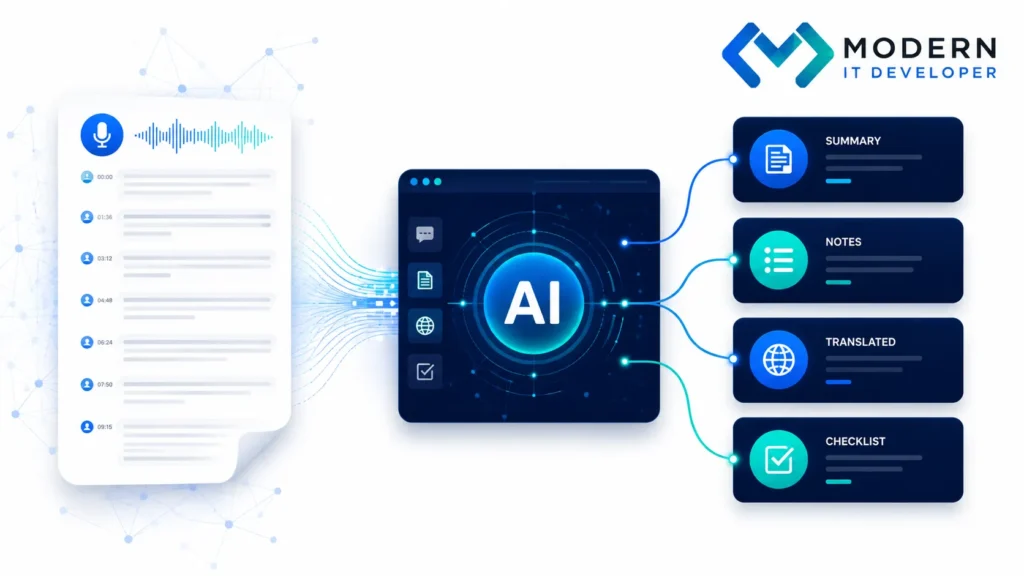
Translation is another valuable use case. Once the spoken content is available as text, an AI assistant can translate it into another language while keeping the structure readable.
Moreover, you can ask for more than a literal translation. For example, AI can translate the transcript, explain unfamiliar terminology, summarize the key points, and highlight the most useful recommendations in the same workflow.
Turn Translations into Useful Learning Material
Suppose you discover an excellent technical tutorial in a language you do not understand well. Instead of translating every sentence manually, you can ask AI to produce a natural translation followed by a simplified explanation.
Afterward, you can request definitions, examples, action steps, and even questions for further research. Therefore, language becomes less of a barrier when useful information exists outside your preferred language.
Trusting the Transcript Without Checking It
One of the easiest mistakes is assuming that every word in an automated transcript is correct. Usually, most of the content will be usable, but small transcription errors can completely change the meaning of a sentence.
Pay particular attention to company names, software tools, numbers, URLs, technical vocabulary, and proper names. Consequently, a quick review before AI processing can save you from incorrect conclusions later.
Using Overly Generic AI Prompts
Another common problem is asking AI to “summarize this” without explaining what kind of summary you need. The result may be accurate, but it can still feel generic or unhelpful.
Instead, tell the AI who the summary is for and what should be included. For example, a marketer, developer, student, and business owner may all need completely different information from the same transcript.
Processing Too Much Content at Once
Very long transcripts can also produce weaker results if too much information is submitted at once. Important details may receive less attention, and different topics may get mixed together.
A better approach is to divide extremely long transcripts into logical sections. Then, summarize each section separately before asking the AI to create a final combined overview.
Turn Video Content into a Reusable Knowledge System
The real value of this process is not simply shortening a video. Instead, it turns temporary video consumption into reusable information.
A transcript can become study notes, a research brief, checklist, comparison document, content outline, glossary, or Q&A resource. Useful info doesn’t disappear after watching the video.
Organize Transcripts Around Topics and Questions
If you regularly research the same subject, consider organizing transcripts based on topics instead of individual videos. For example, several SEO videos could be grouped under technical SEO, content strategy, link building, and AI search visibility.
Then, an AI assistant can analyze information across the entire collection. Over time, this can become a lightweight personal or business knowledge system rather than a folder full of disconnected notes.
How Businesses Can Use This Workflow
Businesses can use video transcripts to research competitors, understand software tutorials, explore marketing strategies, learn new tools, and collect ideas from webinars or industry discussions.
Moreover, marketing teams can turn useful transcripts into structured research documents before creating campaigns or content. This approach can reduce repetitive work while still keeping humans responsible for the final interpretation and decision-making.
Where AI Fits into a Better Digital Marketing Workflow
AI works best as a processing layer between raw information and human decision-making. It can organize, simplify, compare, and transform information, but strategy still requires context and judgment.
At Dune Seed, a practical AI-assisted digital marketing approach uses AI to enhance workflow, not replace expertise. Combined with SEO, content strategy, website optimization, and research, these tools improve efficiency.
Website: duneseed.com
A Faster Way to Learn from Long Videos
You do not always need to choose between watching an entire video and ignoring it. A transcript gives you a third option: understand the structure first, then spend your time on the sections that actually matter.
Ultimately, the workflow is straightforward: generate the transcript, give AI a clear task, verify important details, and save useful information in a reusable format. When used this way, AI video summarization becomes much more than a shortcut—it becomes a practical research and learning system.
Frequently Asked Questions
Can ChatGPT Summarize a YouTube Video?
Yes, ChatGPT can summarize the text from a YouTube video when you provide the transcript or other accessible content. More importantly, you can tell it exactly what type of summary you need.
For example, you can request a quick overview, detailed notes, actionable recommendations, important quotes, questions, or step-by-step instructions.
How Can I Get a Transcript from a YouTube Video?
Many videos with captions include a transcript option directly on YouTube. Alternatively, transcript-generation tools such as NoteGPT can convert video content into copyable text.
Once you have the transcript, you can use it with AI tools for summarization, translation, research, and content organization.
Can AI Translate a YouTube Transcript?
Yes. AI assistants can translate transcript text into another language while also adapting the wording to make it sound more natural.
Additionally, you can ask the AI to preserve technical terminology, explain difficult phrases, or provide a short summary after the translation.
Are AI-Generated Video Summaries Always Accurate?
No. The result depends on both the transcript quality and the AI's interpretation of the content.
Therefore, important claims, numbers, names, and technical instructions should still be checked against the original source before you rely on them.
What Else Can I Do with a YouTube Transcript?
A transcript can become much more than a summary. You can create study notes, checklists, translations, research documents, comparisons, glossaries, content briefs, and action plans.
You can also combine several transcripts to compare perspectives and identify recurring ideas across multiple sources.