
For local businesses, appearing prominently on Google Maps can directly affect how often potential customers discover, call, visit, or contact the company. But improving Google Maps visibility is not about stuffing a profile with keywords or making constant, random edits.
Google explains that local results are mainly determined by relevance, distance, and prominence. Businesses cannot control every factor—especially the searcher’s distance—but they can improve how clearly Google understands the business and strengthen the signals that support relevance and prominence.
What Determines Google Maps Visibility?
Google considers three primary factors when determining which businesses to show in local search results.
- Relevance: How closely the business matches what the user is searching for.
- Distance: How far the business is from the searcher or the location used in the query.
- Prominence: How established or well-known the business appears to be.
Additionally, Google highlights that having comprehensive business details, reviews, ratings, and online presence can enhance local visibility.
This means local SEO should not focus on one isolated tactic. Your Google Business Profile, website, reviews, services, categories, and business information need to tell a consistent story.
1. Add the Correct Website to Your Google Business Profile
Your Google Business Profile should point to the most appropriate official website.
It is easier for businesses because Google lets them showcase their website directly on their profile, giving users a simple and friendly way to learn more about the company and what it offers.
Make sure the URL:
- uses HTTPS;
- opens correctly on mobile;
- represents the same business shown in the profile;
- contains accurate contact and service information;
- is accessible to Googlebot.
For businesses with several locations, linking each profile to the most relevant location page can also create a clearer experience than directing every location to a generic homepage.
2. Choose the Right Primary and Additional Categories
Business categories are among the most important profile settings because they help Google understand the type of business you operate.
Google explicitly states that selected categories can affect local rankings. The primary category should describe the business as specifically as possible, while additional categories should represent genuine secondary areas of the business.
For example, a specialized business should generally avoid selecting a broad category simply because it has higher search volume.
Also avoid adding every remotely related category. Google recommends using only a few categories that accurately represent the business.
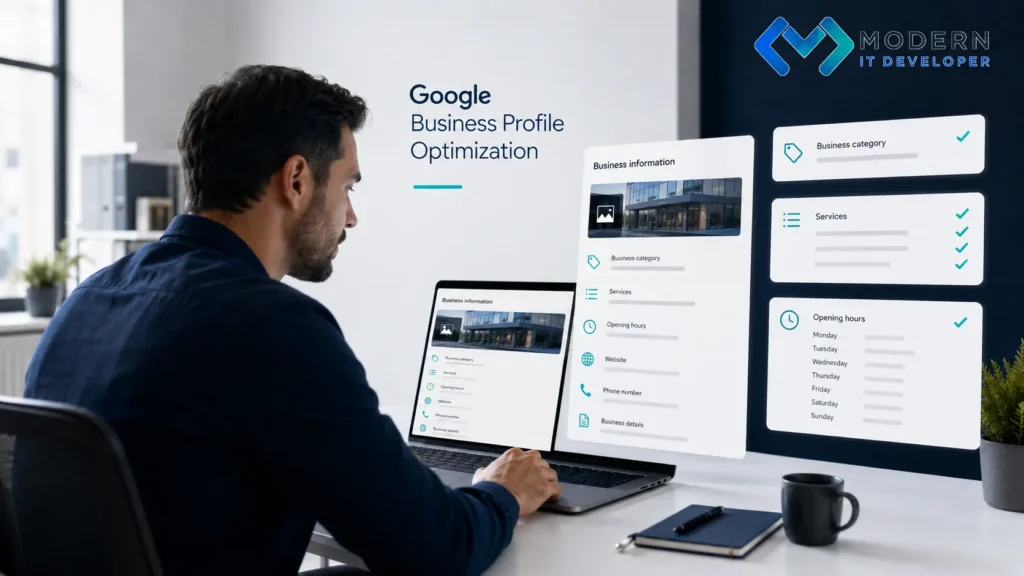
3. Add the Services You Actually Provide
If the Services feature is available for your business category, complete it carefully.
Google Business Profile lets eligible businesses list services, organize them into categories, and, in some cases, add descriptions and prices. Services may also be highlighted when someone searches for a particular offering.
The goal is to describe the business accurately, not to turn the service section into a keyword list.
4. Create Useful Website Pages for Important Services
Your Business Profile should not carry the entire local SEO strategy.
Important services usually deserve useful pages on your website that explain:
- what the service includes;
- who it is intended for;
- common customer problems;
- how the process works;
- relevant locations or service areas;
- supporting examples or FAQs.
For example, rather than mentioning “Local SEO” only on a homepage, a digital marketing company could create a dedicated page explaining its local SEO service in detail.
Google does not state that creating a separate service page automatically improves Maps ranking. However, a strong website can reinforce the business information available across Google and provide users with a relevant destination when they leave the profile.
5. Upload Real, Relevant Business Photos
Photos should show the actual business rather than acting as generic decoration.
Depending on the company, useful Google Business Profile photos may include:
- the storefront;
- office or working environment;
- employees;
- completed projects;
- products;
- equipment;
- services being performed.
Google recommends adding business-specific photos and says that photos can help businesses show customers what they offer and stand out in Search and Maps.
Google’s current guidance recommends well-lit, focused images without excessive editing or filters. Authenticity matters more than creating an artificially perfect gallery.
6. Complete and Maintain Your Business Information
An incomplete profile creates ambiguity for customers and search systems.
Review fields such as:
- business name;
- address or service area;
- phone number;
- website;
- opening hours;
- special or holiday hours;
- business description;
- categories;
- relevant attributes.
Google says businesses with complete and accurate information are more likely to appear in relevant local search results.
Do not treat profile optimization as a one-time task. Update hours, contact details, services, and business information whenever something changes.
7. Keep Your Photo Library Current
Uploading several photos when creating the profile and ignoring it for the next two years is not ideal.
Add new photos when something genuinely changes: a new project, updated premises, new products, completed work, or another useful visual representation of the business.
This creates a more useful profile for prospective customers.
However, avoid assuming that uploading a certain number of photos each month will automatically improve rankings. Google recommends photos as a way to complete the profile and help customers understand the business, but does not publish a formula such as “X photos = higher ranking.”

8. Ask Real Customers for Google Reviews
Reviews are particularly important because they affect both customer confidence and local search prominence.
Google states that more reviews and positive ratings can help local ranking.
After a successful customer interaction, businesses can politely request an honest review. Google even provides review links and QR codes that can be shared through receipts, emails, messages, or other customer communications.
The important word is honest.
Do not:
- buy reviews;
- create fake accounts;
- offer discounts for positive reviews;
- reward customers for changing negative feedback.
Google prohibits incentives in exchange for reviews because they constitute fake engagement.
9. Encourage Customers to Share Genuine Photos
If it feels natural, you can encourage customers to document their genuine experience—for example, photographs of a completed project, restaurant meal, hotel room, salon result, or purchased product.
Do not dictate what customers must upload or attempt to manipulate their feedback.
Customer-generated media can make the profile more informative and give potential customers additional evidence of what the business actually offers.
10. Use Google Business Profile Posts Strategically
Google Business Profile posts allow companies to publish:
- updates
- offers
- event
- announcements
- photos
- videos
These posts can appear within the Business Profile on Google Search and Maps.
A practical publishing strategy could include new services, seasonal offers, company news, important updates, or useful customer information.
Google presents Posts primarily as a communication and customer-engagement feature. It does not state that regularly publishing a certain number of Posts directly increases Maps rankings. Treat them as a way to keep the profile useful and current, not as a guaranteed ranking shortcut.
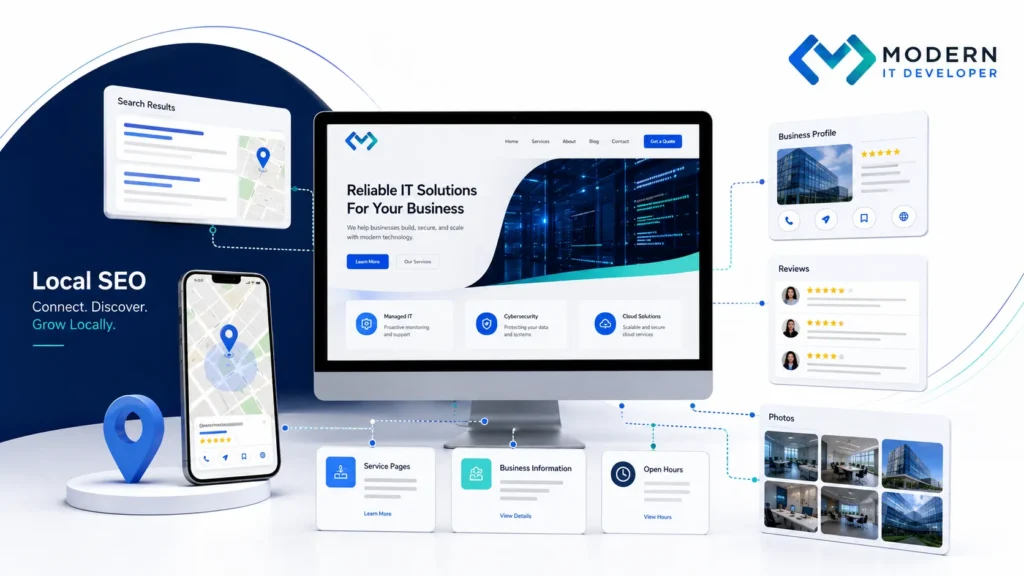
Google Maps Optimization Should Work With Your Website
The strongest local SEO strategy connects Google Business Profile optimization with the business’s wider digital presence.
Your categories, services, website content, contact information, reputation, and customer experience should all reinforce one another.
At Dune Seed, we approach Google Maps visibility as part of a broader SEO and website optimization strategy rather than treating the Business Profile as an isolated channel. A technically sound website, useful service content, accurate local information, and a properly managed profile usually create a much stronger foundation than chasing individual “Google Maps hacks.”
Website: duneseed.com
There is no guaranteed shortcut to the top of Maps. Focus on helping Google understand exactly what the business does while giving real customers enough accurate information to choose it confidently.
Frequently Asked Questions
Start by verifying and completing your Google Business Profile, selecting accurate categories, adding services, maintaining correct hours and contact information, adding relevant photos, building genuine customer reviews, and supporting the profile with a useful website. Google says local results primarily depend on relevance, distance, and prominence.
They can. Google states that review quantity and positive ratings can contribute to local prominence and help local rankings. Reviews should always come from genuine customer experiences.
There is no universal ideal number. Choose the most accurate primary category and only additional categories that genuinely describe major parts of the business. Google specifically recommends avoiding unnecessary categories.
Google provides Posts as a way to share offers, events, announcements, photos, videos, and updates with customers. Google does not publicly identify posting frequency as a direct ranking factor, so Posts are better treated as a profile-management and engagement tool.
Not necessarily. Important services with distinct customer needs and enough useful information often deserve dedicated pages. Avoid creating thin pages simply to target keyword variations.