
A WordPress website helps businesses establish an online presence quickly, but ignoring technical issues can harm performance, rankings, and trust. Dune Seed strengthens your digital presence with SEO, optimization, and growth solutions. Knowing common WordPress problems helps owners prevent issues that affect visitors and conversions.
Many WordPress issues aren’t due to the platform itself. They often stem from poor optimization, outdated tools, misconfigurations, or neglected maintenance. Fortunately, you can resolve most problems with the right approach.
Why WordPress Websites Face Performance Problems
WordPress powers millions of websites because it is flexible and easy to manage. However, this flexibility also means websites can become complicated over time. Installing too many plugins, using heavy themes, or ignoring updates can create technical problems.
For businesses, these problems can directly affect SEO performance. A slow website can increase bounce rates, security issues can damage reputation, and technical errors can prevent visitors from completing important actions.
Problem 1: Slow Website Speed
Website speed is one of the most common problems affecting WordPress websites. A slow-loading website creates a poor user experience and can reduce engagement because visitors expect pages to load quickly.
Several factors can make WordPress websites slower, including large images, inefficient hosting, unnecessary plugins, heavy themes, and poorly optimized code.
Search engines also consider page experience when evaluating websites. Improving speed can support better rankings while making the website easier for users to navigate.

Solution:
The first step is identifying what slows down your website. Performance testing tools can reveal problems related to images, scripts, server response time, and page structure.
Optimize website speed by compressing images before upload, choosing a lightweight theme, removing unnecessary plugins, enabling caching, and using reliable hosting. Also, optimize site files and scripts. Faster sites improve SEO, retain visitors, encourage exploration, and increase conversions.
Problem 2: Plugin Conflicts
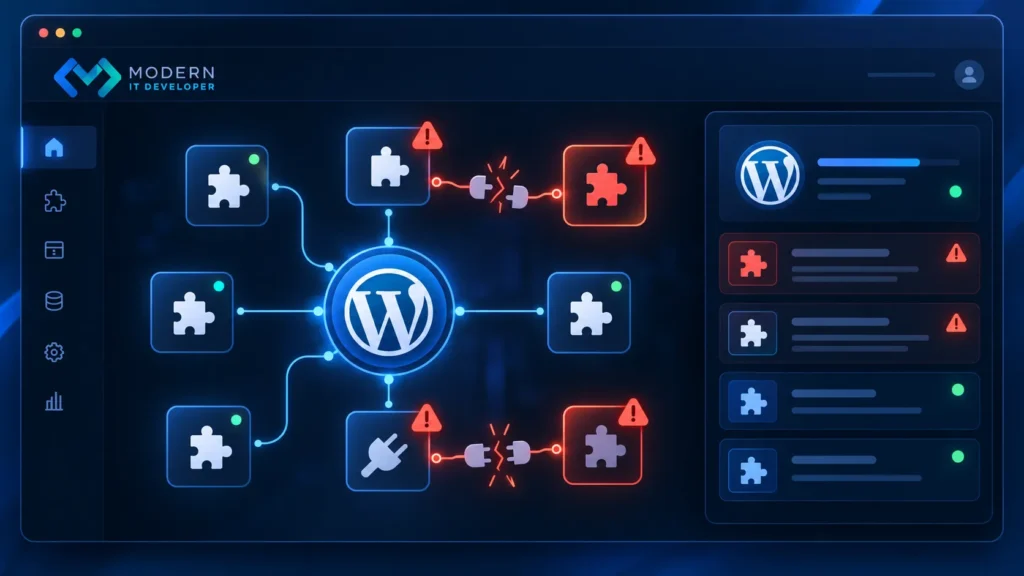
Plugins are one of WordPress’s biggest advantages because they allow website owners to add new features without advanced coding. However, using too many plugins or combining incompatible plugins can create serious problems.
Plugin conflicts can cause broken layouts, missing features, website errors, slow performance, or even complete website crashes.
This problem often appears after installing a new plugin, updating an existing one, or changing website settings.
Solution:
Learn all about the themes and plugins you’re using. Remove any unnecessary plugins from your website, and only install plugins from trusted sources. Conduct regular website audits, such as every six months, and delete plugins that are no longer in use.
Problem 3: Security Risks
WordPress websites can become targets for attacks because of their popularity. Weak passwords, outdated software, vulnerable plugins, and poor security practices can expose websites to threats.
Security problems may lead to stolen data, malware infections, website downtime, or damage to brand reputation.
Many website owners focus only on design and content but forget that website protection is an essential part of long-term growth.

Important security risks:
Pirated and nulled WordPress themes and plugins are unofficial copies that pose security risks. Replacing them with legitimate alternatives from trusted developers enhances your website’s safety.
Using default “admin” username risks security by increasing vulnerability to brute-force attacks. Choosing less predictable usernames boosts your website’s security.
Weak WordPress admin passwords increase hacking risks. Always select strong passwords with uppercase, lowercase, symbols, numbers, and 8+ characters to improve security.
HTTPS Protocol
Websites that use HTTP instead of HTTPS are considered insecure. Browsers show a broken padlock icon next to the URL, which can undermine visitor trust and hurt your SEO.
Obtain an SSL certificate and set up your website to support HTTPS.
Conclusion
WordPress is a robust platform, but websites require ongoing optimization to perform well. Issues like slow loading, plugin conflicts, and security risks can hinder success.
By optimizing performance, handling plugins carefully, and following security best practices, businesses can create a faster, safer, and more reliable WordPress site.
To boost website performance, SEO visibility, and digital growth, consider professional optimization solutions to strengthen your online presence.
Frequently Asked Questions
The most common WordPress website problems include slow loading speed, plugin conflicts, security vulnerabilities, outdated software, and performance issues. These problems can affect user experience, SEO rankings, and website reliability if they are not addressed properly.
A WordPress website may become slow because of large images, poor hosting, too many plugins, heavy themes, or unoptimized files. Improving speed usually requires analyzing performance issues and applying technical optimizations.
To fix plugin conflicts, disable plugins one by one to identify the source of the issue. After finding the problematic plugin, you can replace it, update it, or contact the developer for support.
WordPress websites can be secure when they receive regular updates and proper protection. Using strong passwords, trusted plugins, backups, and security monitoring tools helps reduce risks.
There is no fixed number of plugins that every WordPress website should use. The important factor is plugin quality. A website with fewer reliable plugins is often better than one with many unnecessary tools.
Yes. Website speed affects user experience and can influence SEO performance. Faster websites usually provide better experiences, which can help improve engagement and support search visibility.
WordPress websites should receive regular maintenance, including updates, security checks, backups, and performance monitoring. The exact frequency depends on website size, traffic, and business requirements.